
Chrome and Edge extension
TraceDeck
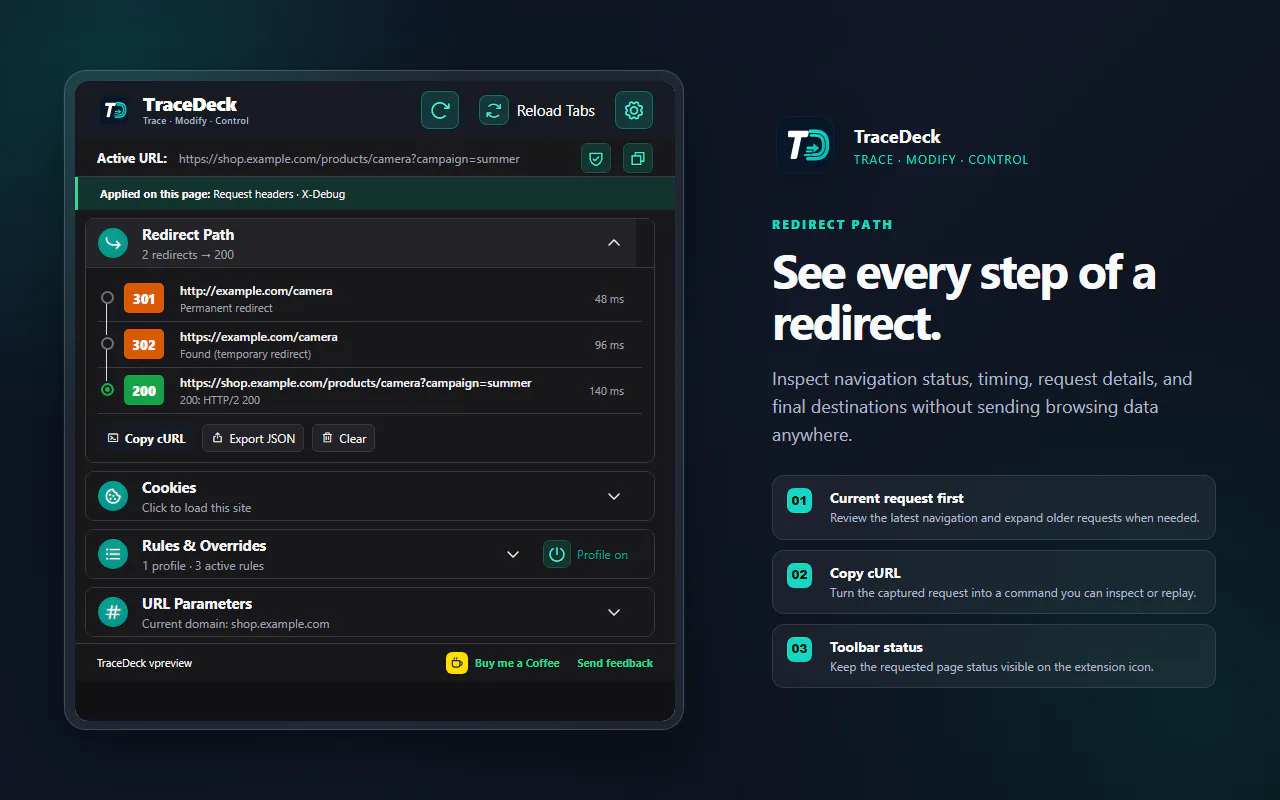
Trace redirects and test request behavior from one popup.
For web developers, QA engineers, and technical support teams.
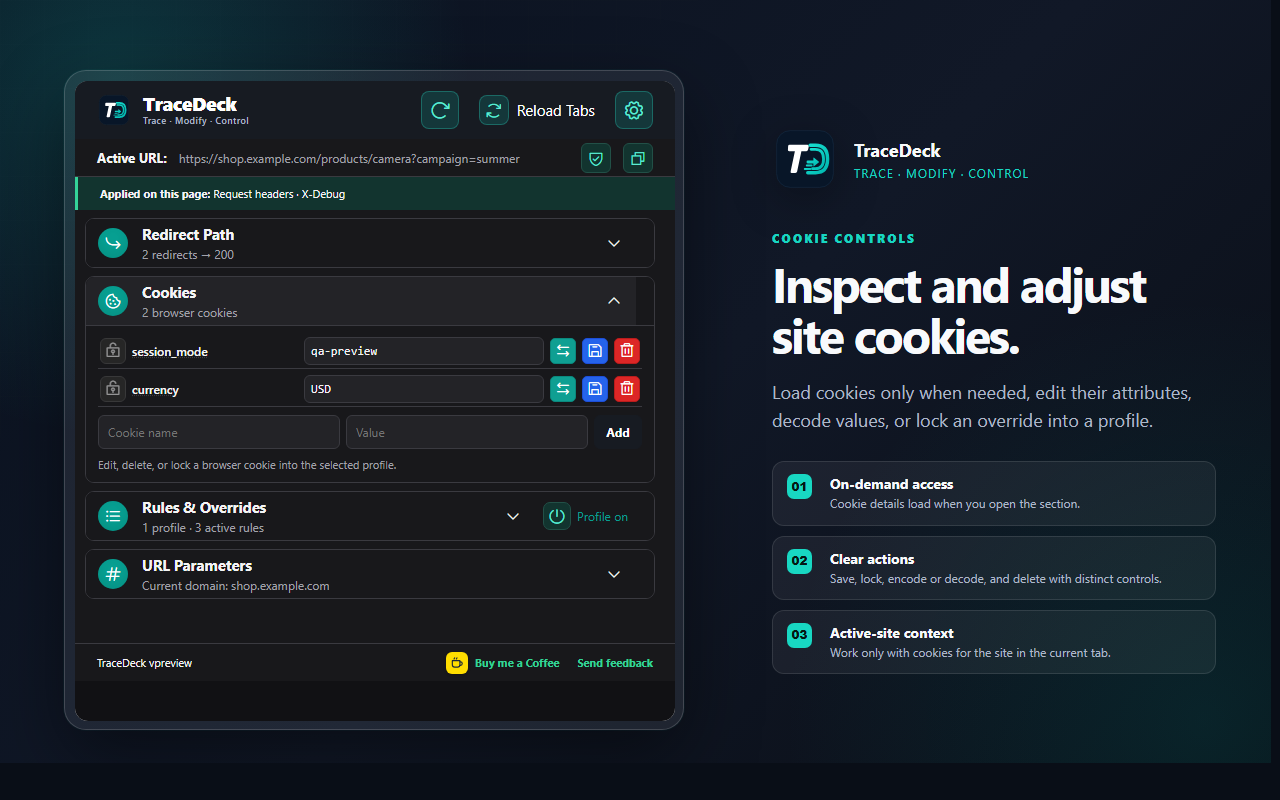
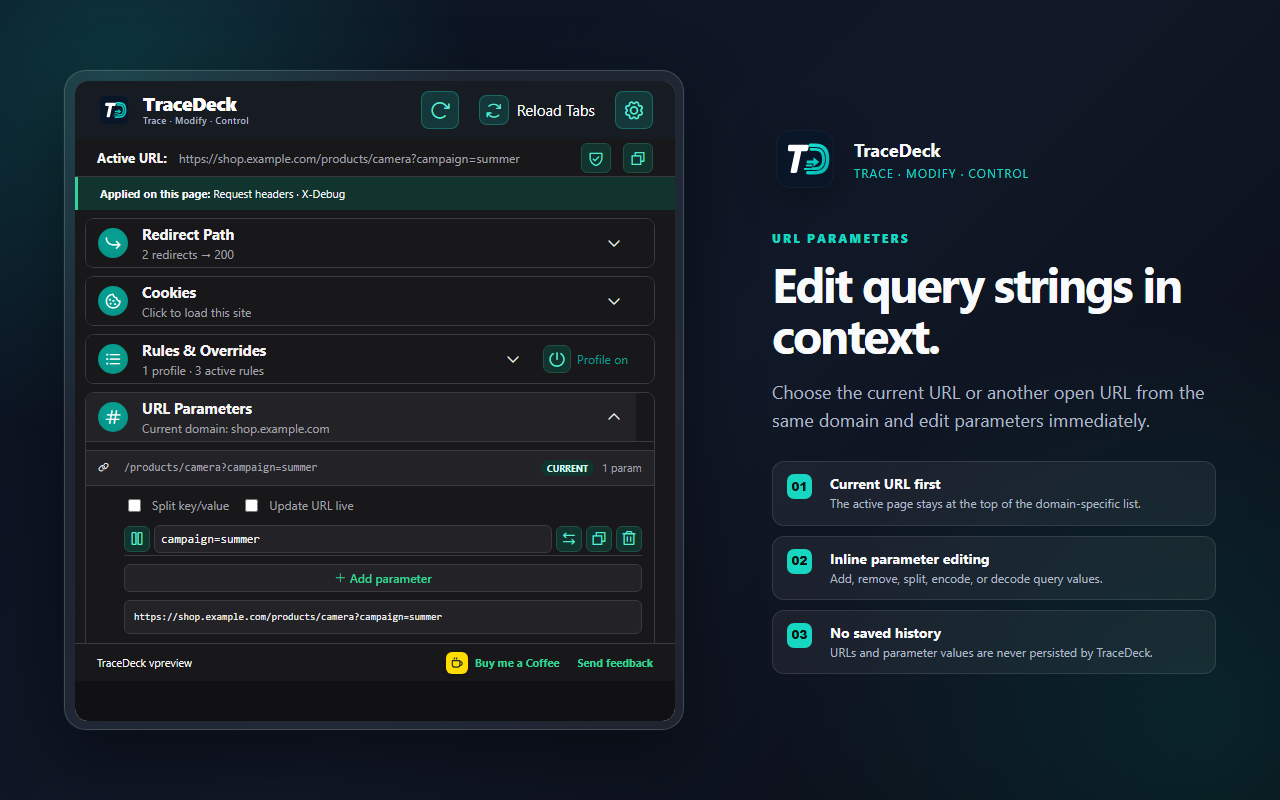
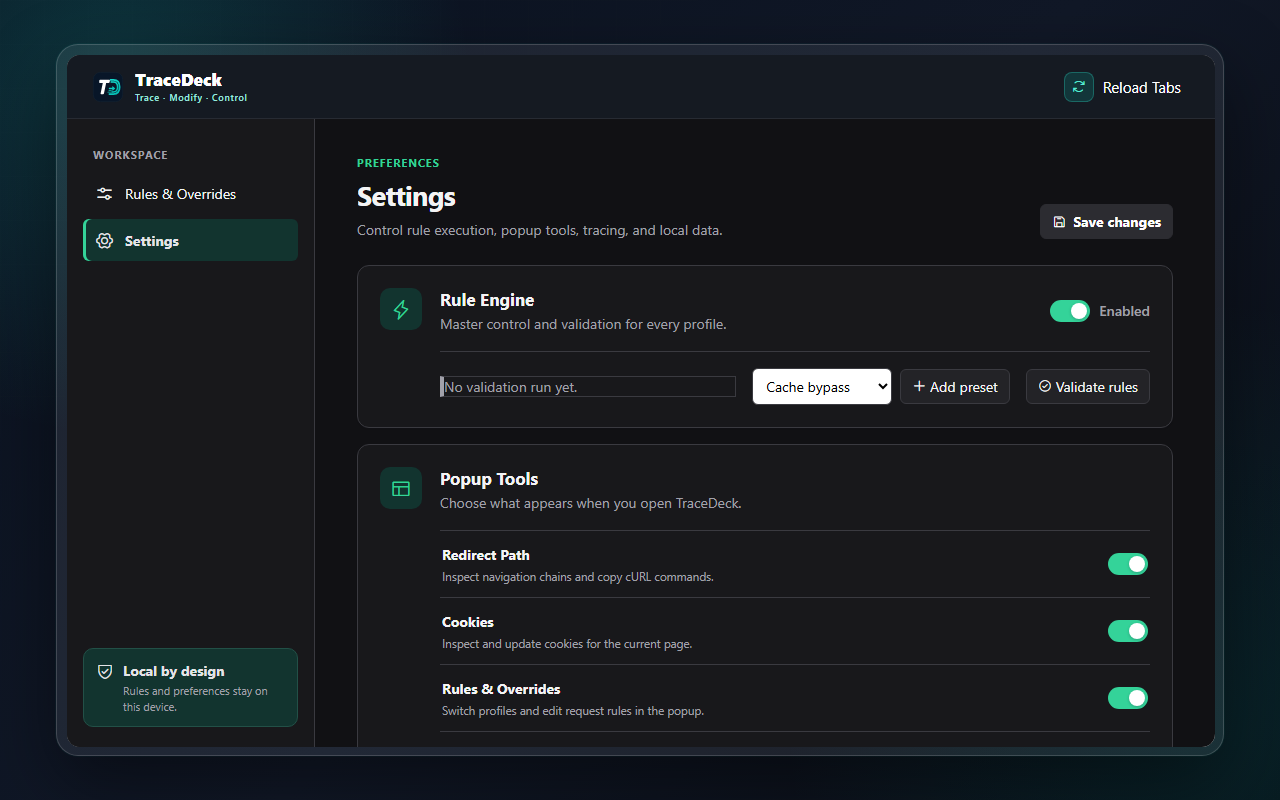
TraceDeck shows every navigation hop, header, cookie, and rule affecting the current page. Test a change in a scoped profile, then export a redacted trace.
- Local configuration
- No telemetry
- Chrome and Edge
A real workflow
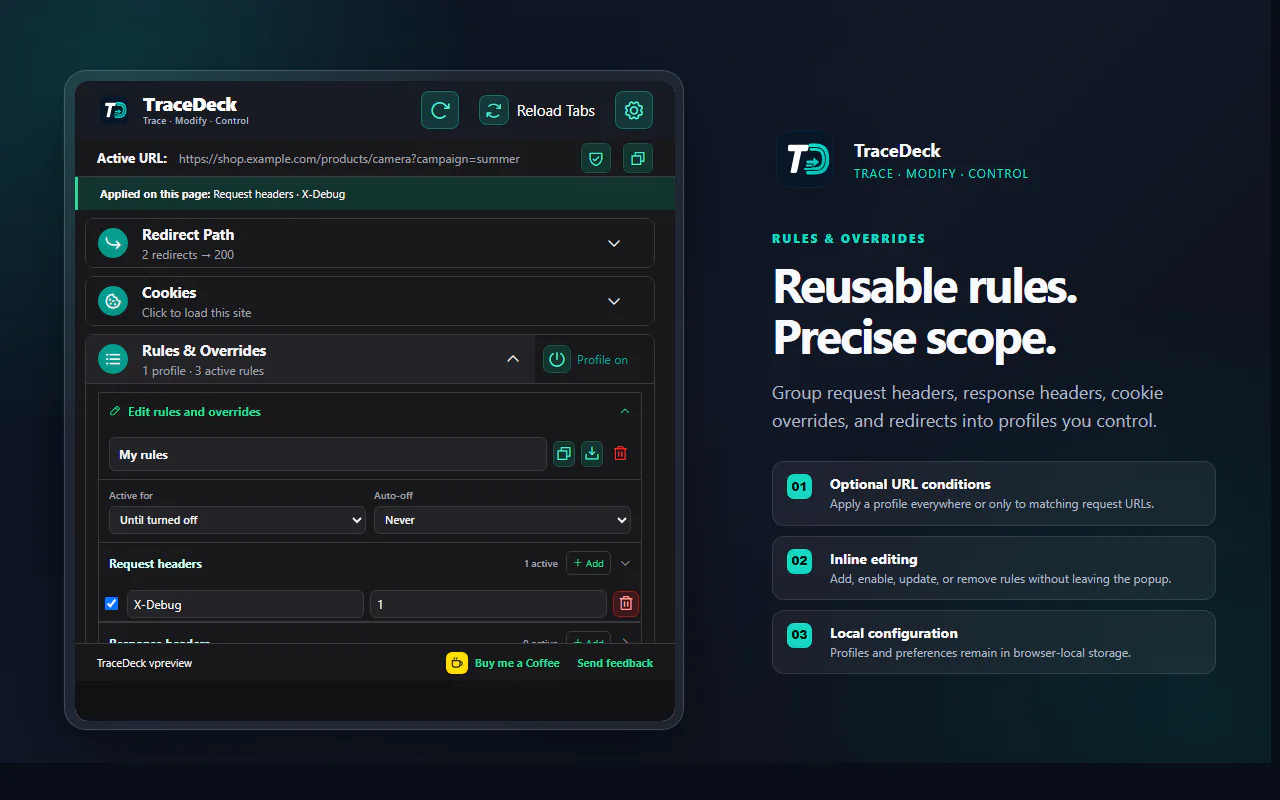
Keep request changes reusable and precisely scoped.
Group headers, cookie overrides, and redirects into profiles that run only where and when you intend.
Data handling
Request data and configuration stay local.
Profiles and settings remain in browser local storage. Redirect traces remain in memory. TraceDeck sends no request data or configuration to Sutrakara.